Portfolio Overview
Estate-wide health, reach, adoption, and attention signals.
Review adoption, performance, inventory, governance, discovery, and report-level detail inside Power BI. The semantic model is included and yours to extend.
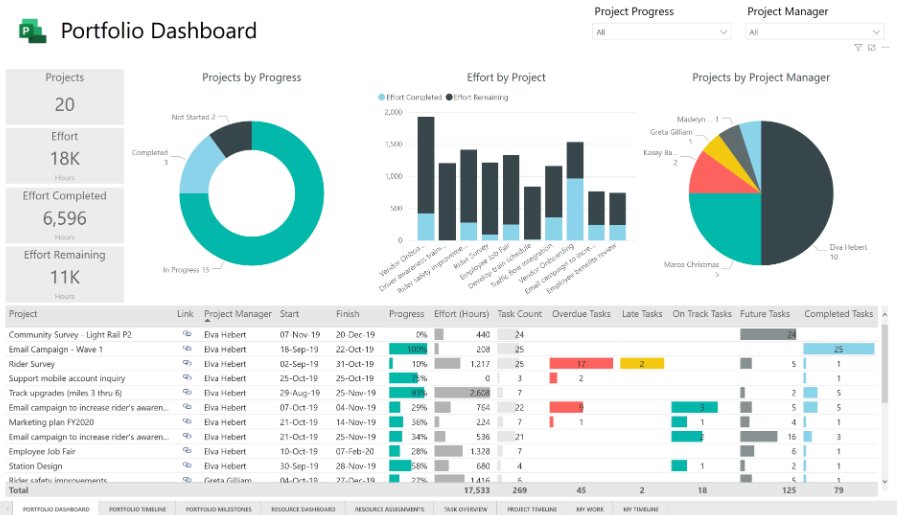
Each page supports a different decision, while shared filters and definitions keep the experience consistent.
Estate-wide health, reach, adoption, and attention signals.
Usage growth, audience depth, frequency, and trends.
Reports, datasets, pages, owners, exclusions, and link coverage.
Opening-time trends and slow pages ranked by user impact.
A focused view of one report, its pages, audience, and clients.
Decline, concentration, performance, and priority actions.
Risk scoring, status, recommendations, and review queues.
Relevant, trending, and new-to-the-viewer content.
Definitions, calculation logic, limitations, and guidance.
The included model organizes workspace, report, page, user, device, usage, freshness, performance, governance, and discovery logic into a reusable analytics foundation.
We configure the standard product in your environment, validate the flow, and leave your administrators with a documented operating process.
Licensing, permissions, workspace scope, SQL, compute, networking, security, and retention expectations.
Collection service, authentication, SQL objects, monitored workspaces, schedule, and notifications.
Collection, database writes, duplicate prevention, report connectivity, refresh, and operational alerts.
Administration, workspace onboarding, troubleshooting, upgrades, backup expectations, and support.
Under the standard self-hosted deployment, collection, storage, the semantic model, and the report all run in customer-controlled infrastructure.
Your approved SQL environment and retention policy.
Your Power BI permissions, privacy controls, and distribution.
Your credentials, backups, networking, and administrative access.
Your model to query, customize, and build upon.
Walk through the report pages, semantic model, infrastructure requirements, and how UsageVault would fit your Power BI estate.